Full-text search
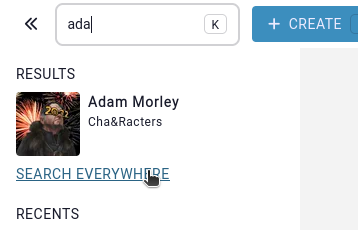
In the case that you want to do a full-text search on all the contents of all entries, (i.e. properties, articles, descriptions) you can click on the “search everywhere” button displayed below the quick search.
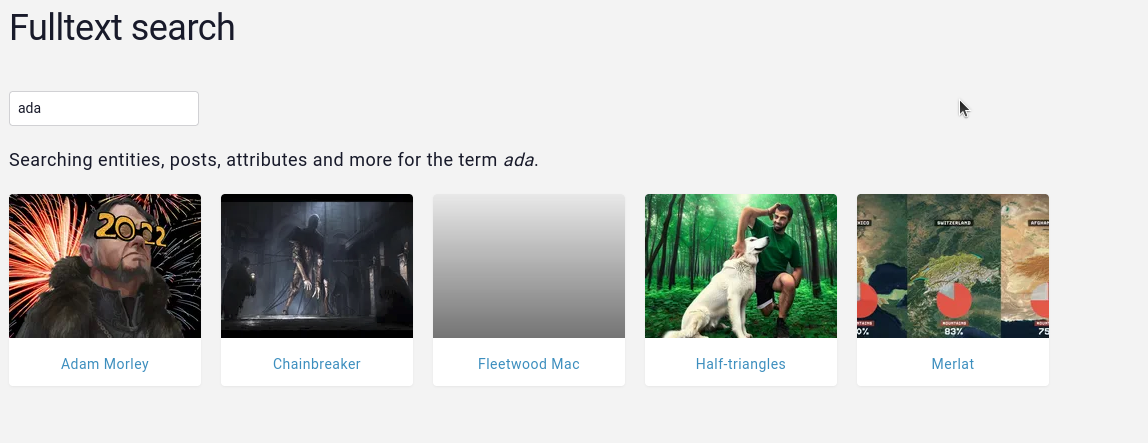
This will perform the search for the same query, but now on all the contents of the campaign, the results of the search will always be entries, for example, if the match occurs on an timeline element’s name, the displayed result will be the entry that has that timeline element.
Number of results
Search results are limited to 100 entries, this means that only the first 100 closest matches to the query will be processed. However, these results can sometimes make reference to the same entry, for example, if an entry’s name and the title of one of its articles are a perfect match for the query, these would count as 2 results, but the entry would only be display once.
Search results are displayed in alphabetical order and not relevancy due to limitations of the search engine. However, the results displayed are the top 100 most relevant results for the query.