Abilities
A way to build the powers of your characters. Think of this module as a way to represent the magic system of your world.
Fields
Let’s go over the fields that are unique to the abilities’ module.
Charges
The charges field can be used to keep track of how many times an ability was used when it’s attached to an entry. This field can contain a value, or references to named properties of an entry.
When an ability with a charge is attached to an entry, it will display a number of squares equal to the total charges. Clicking a charge will automatically flag a charge as used, up to the max charges.

Entry Abilities
Every other category has an Abilities subpage, which is used for example to keep track of a character’s magic, an organisation’s special abilities, a locations’ lair actions, a family’s curse, etc.
Each ability added to an entry is grouped by their parent ability, and abilities with no parent ability are displayed in an Uncategorized section at the end.
Consider the following nested ability structure:
Fire magic
Fireball
Firewall
Dances
Salsa
Flamingo
Dark vision
Adding Fireball, Firewall, Salsa, Flamingo and Dark Vision will render the following entry abilities.
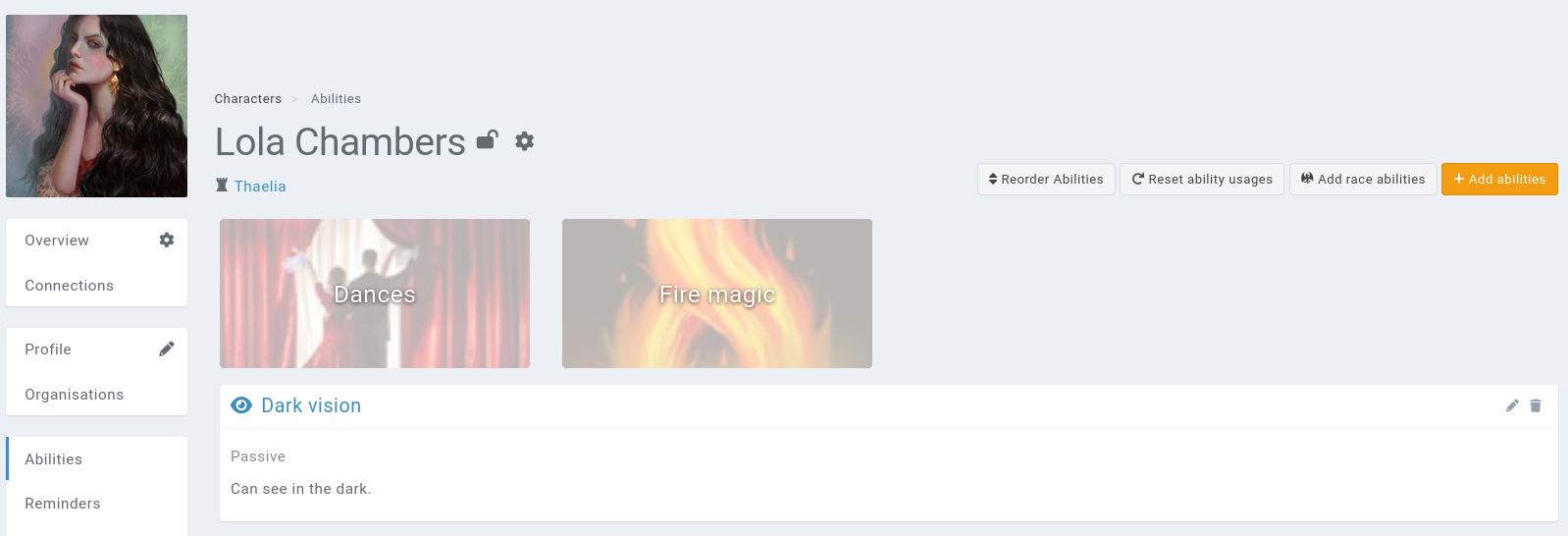
Note that parent abilities are ordered alphabetically and can’t be reordered.
Actions
Add race abilities
The Add race abilities will import abilities attached to the entry’s races.
Reset charges
Clicking this button resets the charges used of each entry ability back to zero.
Reorder abilities
This interface allows you to reorder the abilities inside their parent abilities.
Fields
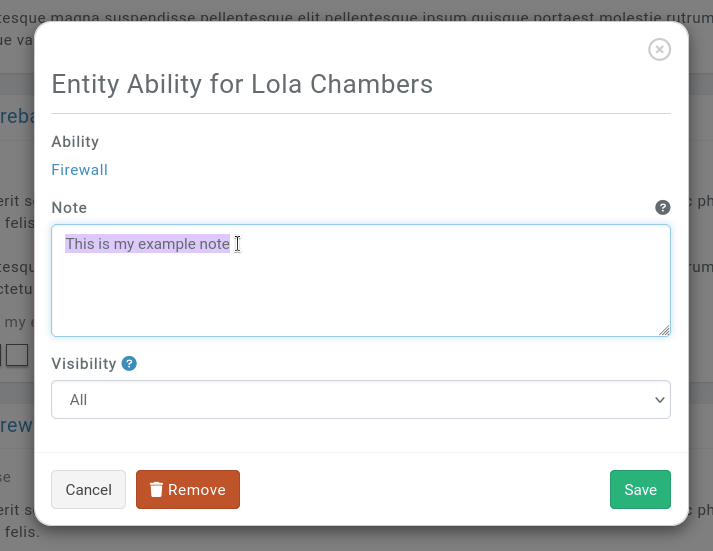
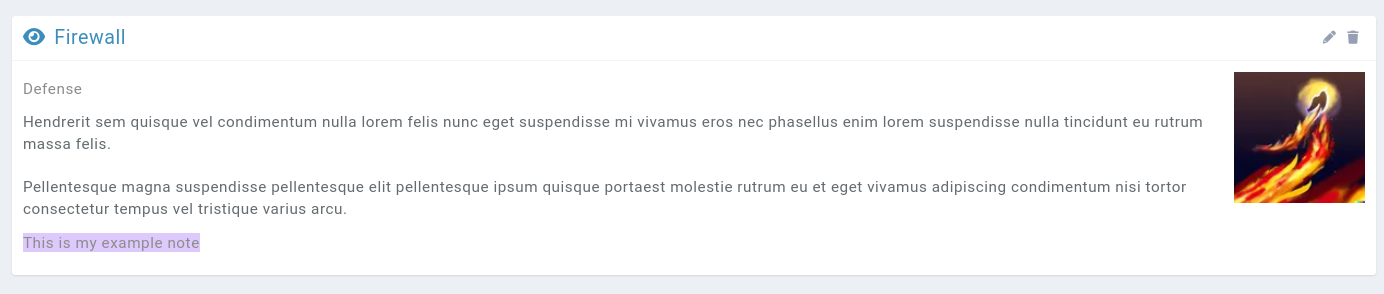
Each entry ability can be edited, and this interface allows a user to write a note, that is displayed in the UI.
Mentioning properties from the current entry
You can have the ability’s description be something like
Does {dice}d6 damage
When rendering on the properties subpage, Kanka will replace {dice} with the value of a property on the entry named {dice}.