Tags
The bestest module of Kanka. Tag everything. Tag freely. If you’re scared of losing track of something you’ve created, tag it.
Finding tagged entries
To find tagged entries, you can either filter for tags in the lists using the tag filter like this:
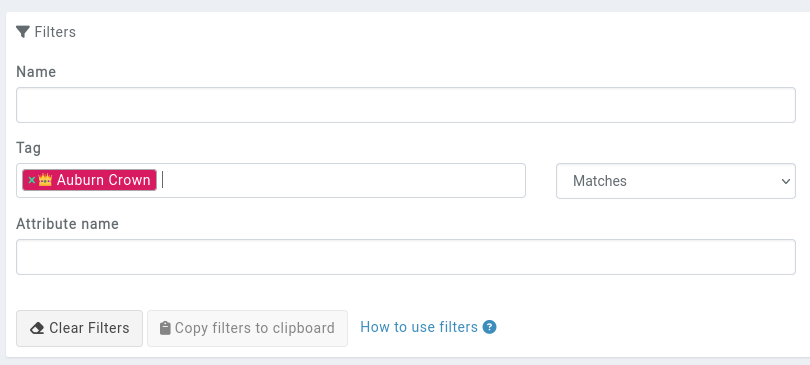
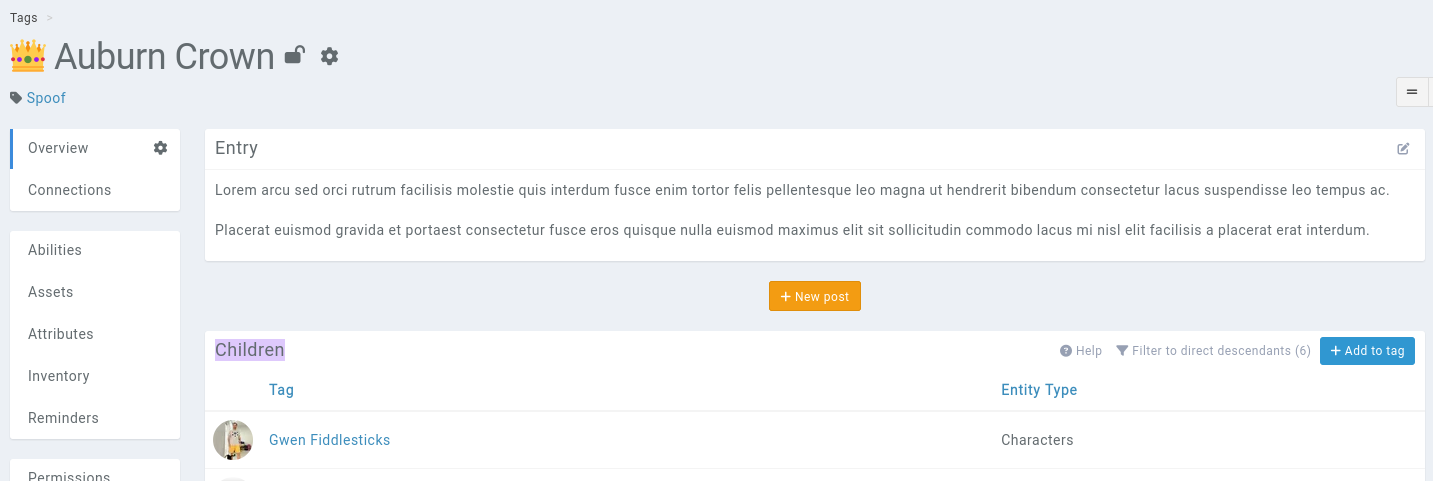
Or when viewing a tag, the children box contains all the tagged entries.
Seeing an entry’s tags
An entry’s tags are displayed in the top of all of its pages, below its name.

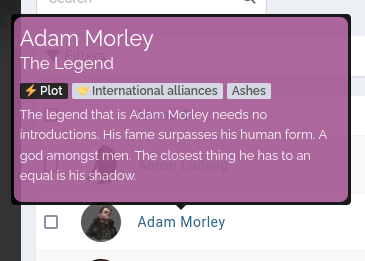
Tags of an entry are also visible in the entry’s tooltip.

Styling tooltips based on tags
Tooltips can be styled based on their entry tags. For example, if you want all your entries tagged with a tag named Plot to have a special layout, add the following to your campaign themes.
.tooltip-content.kanka-tag-plot {
  background-color: hsl(313 30% 49%);
  padding: 0.33rem;
  border-radius: 0.5rem;
}
This example will give the following results.